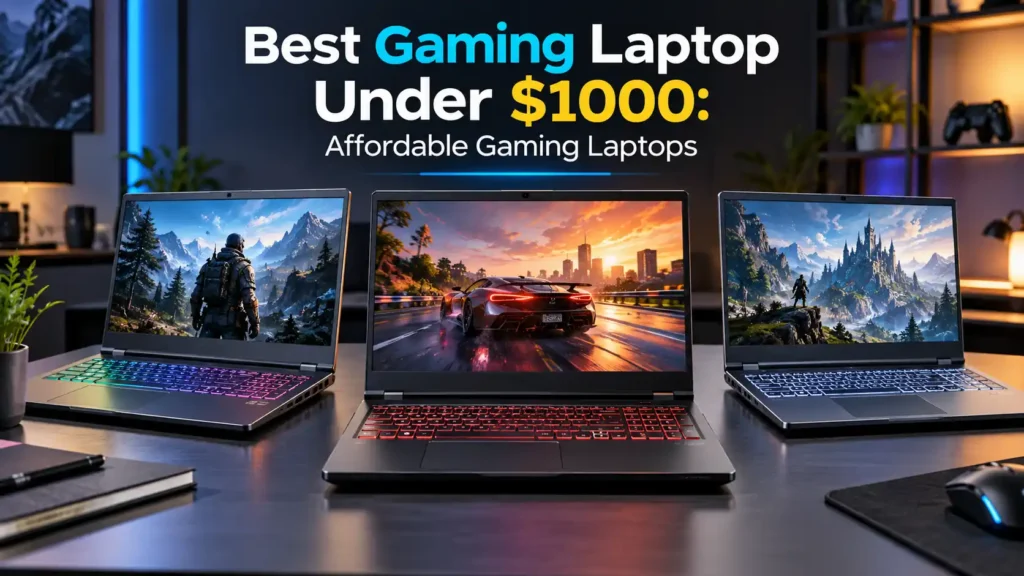
You do not need to spend $1,500 or more to get a genuinely capable gaming machine. The Best Gaming Laptop Under $1000 can give you strong 1080p gaming, a fast display, solid multitasking, and modern graphics features—provided you choose the right configuration.
The most important rule is simple: buy the hardware, not just the laptop name. A model may have several configurations, and only some may fit the $1,000 budget.
Best Gaming Laptops Under $1000
Here are the models worth putting on your shortlist. Always check the exact processor, GPU, RAM, storage, display, and current selling price before ordering.
| Laptop | Best For | Target Configuration |
|---|---|---|
| Acer Nitro V 16 AI | Best overall value | RTX 5050/5060, 16GB RAM |
| Lenovo LOQ 15 | Best balanced choice | RTX 4050/4060-class GPU |
| MSI Katana 15 HX | Performance | RTX 5050, 16GB RAM |
| MSI Cyborg 15 | Best deal potential | RTX 5060 when discounted |
| ASUS TUF Gaming A16 | Durability | Dedicated RTX graphics |
| ASUS TUF Gaming A15 | AMD alternative | Ryzen + dedicated GPU |
| Acer Nitro V 15 | Lower-cost option | RTX 4050-class GPU |
| HP Victus 15 | Gaming and everyday use | RTX 4050-class GPU |
| HP Victus 16 | Larger display | Dedicated RTX graphics |
| MSI Thin 15 | Portability | RTX 4050-class GPU |
| Dell G15 | Straightforward gaming | Dedicated RTX graphics |
| GIGABYTE Gaming A16 | Larger high-refresh display | RTX 4050-class GPU |
1. Acer Nitro V 16 AI
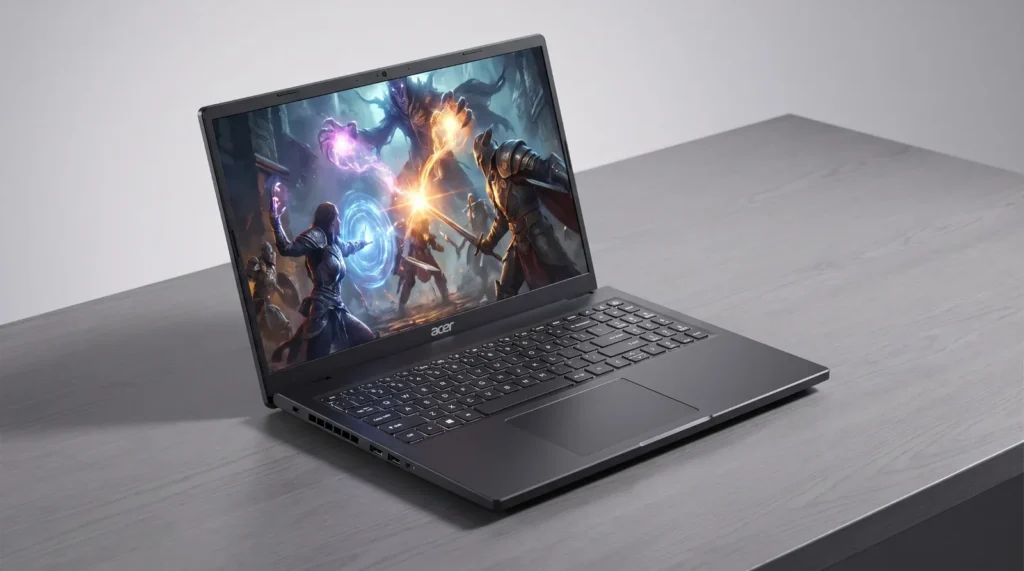
Best overall value
The Acer Nitro V 16 AI is one of the first best budget gaming laptops to check when its price falls below $1,000.
Current configurations can pair a 16-inch high-refresh display with newer RTX graphics. PCWorld has highlighted Acer’s Nitro V family as a strong choice for maximizing gaming performance around this price point, including configurations with RTX 5060 graphics.
Why buy it: strong performance-per-dollar and a gaming-focused feature set.
Watch out for: exact GPU, screen, RAM, and SSD configurations vary.
2. Lenovo LOQ 15
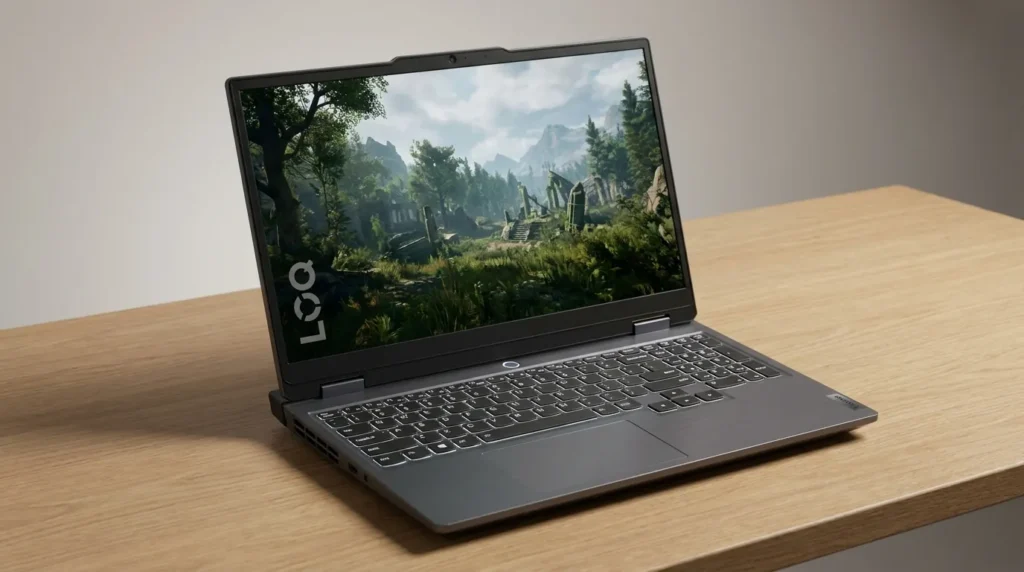
Best balanced option
The Lenovo LOQ 15 is a strong contender for shoppers who want a best value gaming laptop rather than simply the cheapest machine.
Some LOQ 15 configurations have offered RTX 4050 or RTX 4060 graphics, 16GB RAM, SSD storage, and high-refresh 15.6-inch displays. Tom’s Hardware found the LOQ 15 particularly competitive for gaming, while also noting compromises such as limited battery life and, in some configurations, tight storage.
Why buy it: balanced hardware and strong gaming performance.
Watch out for: battery life and configuration differences.
3. MSI Katana 15 HX
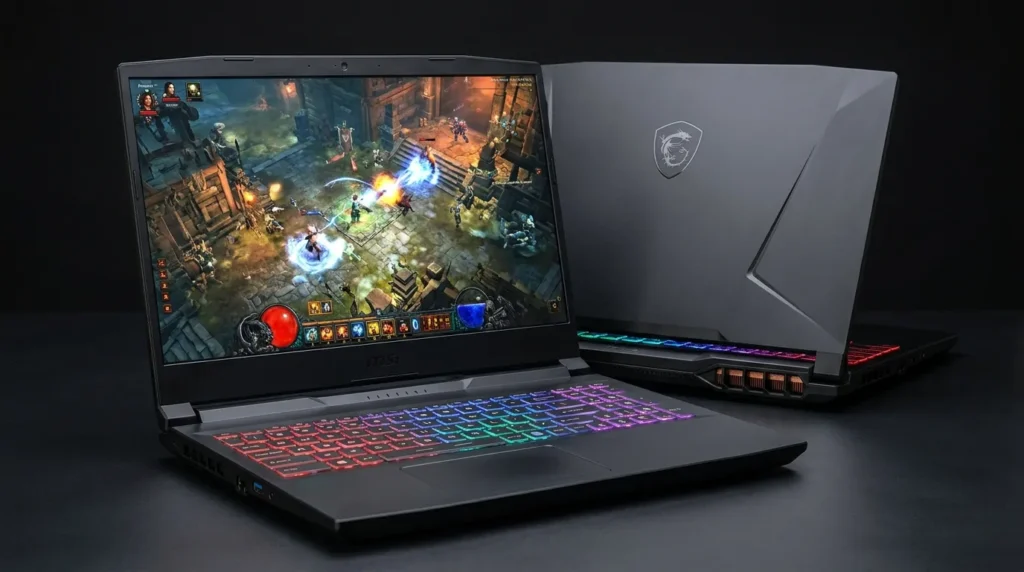
Best performance-focused option
The MSI Katana 15 HX is one of the clearest examples of what a good budget gaming laptop can deliver at the top of this price range.
Tom’s Hardware tested a $999 configuration with an Intel Core i7-14650HX, RTX 5050 Laptop GPU, 16GB RAM, and 512GB storage. Its testing found solid 1080p gaming performance.
Why buy it: strong internal hardware for the money.
Watch out for: the display is a notable weakness, especially in brightness and color quality.
4. MSI Cyborg 15
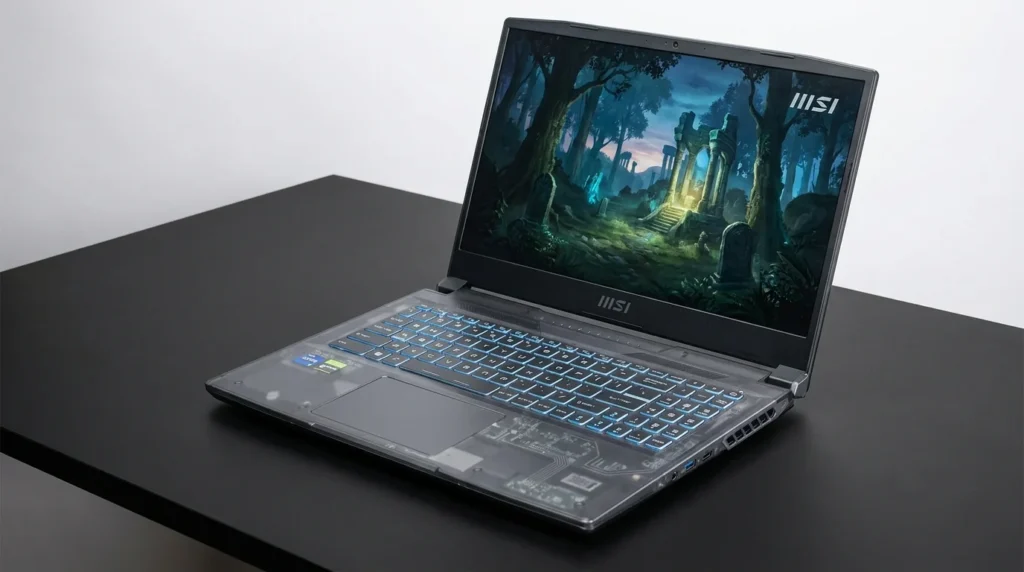
Best deal when heavily discounted
The MSI Cyborg 15 becomes especially interesting when it carries an RTX 5060 and falls below the budget.
Tom’s Hardware reported a $949 promotion for an RTX 5060-powered Cyborg 15 in August 2026.
That makes it one of the more interesting good cheap gaming laptops for shoppers willing to buy during a promotion.
Why buy it: potentially excellent GPU performance for the price.
Watch out for: verify the exact configuration before buying.
5. ASUS TUF Gaming A16
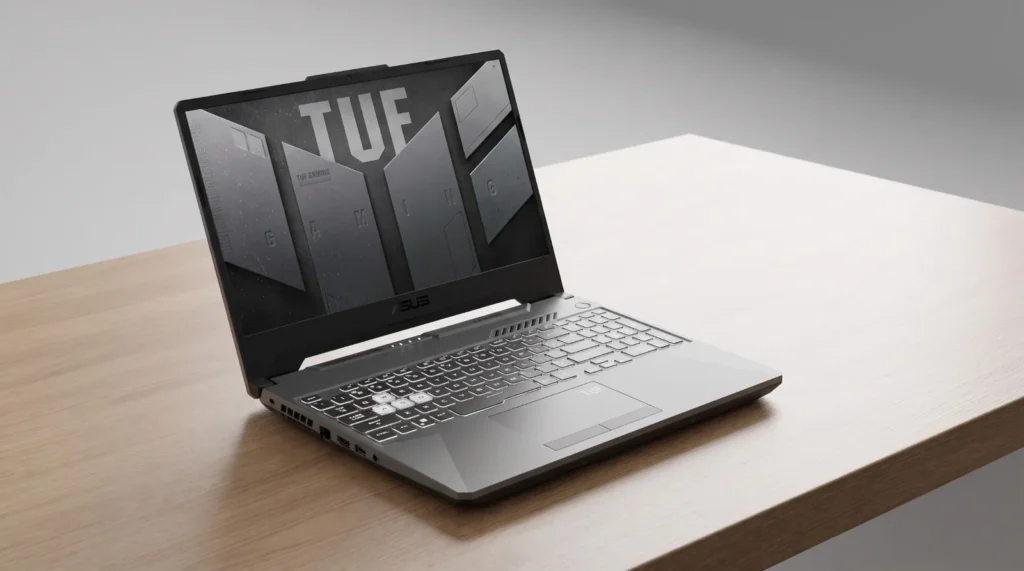
Best for durability
The ASUS TUF Gaming A16 is a practical option for anyone comparing affordable gaming laptops and wanting a sturdier gaming-oriented design.
Look for a version with 16GB RAM, an RTX-class GPU, and a high-refresh display.
Why buy it: durable design and gaming-focused hardware.
Watch out for: prices can vary substantially by configuration.
6. ASUS TUF Gaming A15
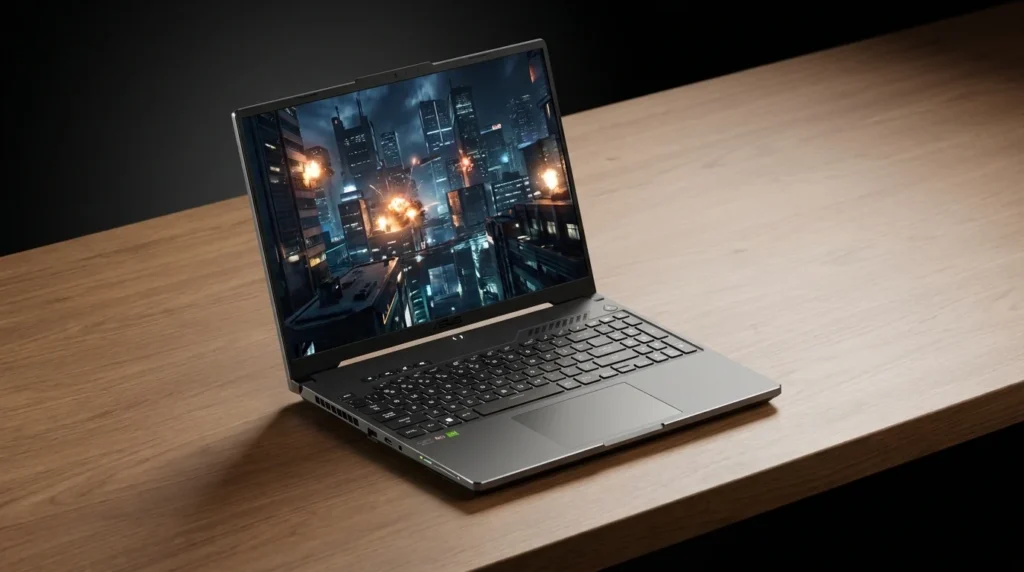
Best AMD-based alternative
The TUF Gaming A15 is another budget gaming notebook worth considering.
Its appeal comes from pairing AMD Ryzen processors with dedicated graphics, giving buyers another route when NVIDIA-based models are overpriced.
Why buy it: good hardware balance when discounted.
Watch out for: compare the GPU carefully rather than choosing by processor name alone.
7. Acer Nitro V 15
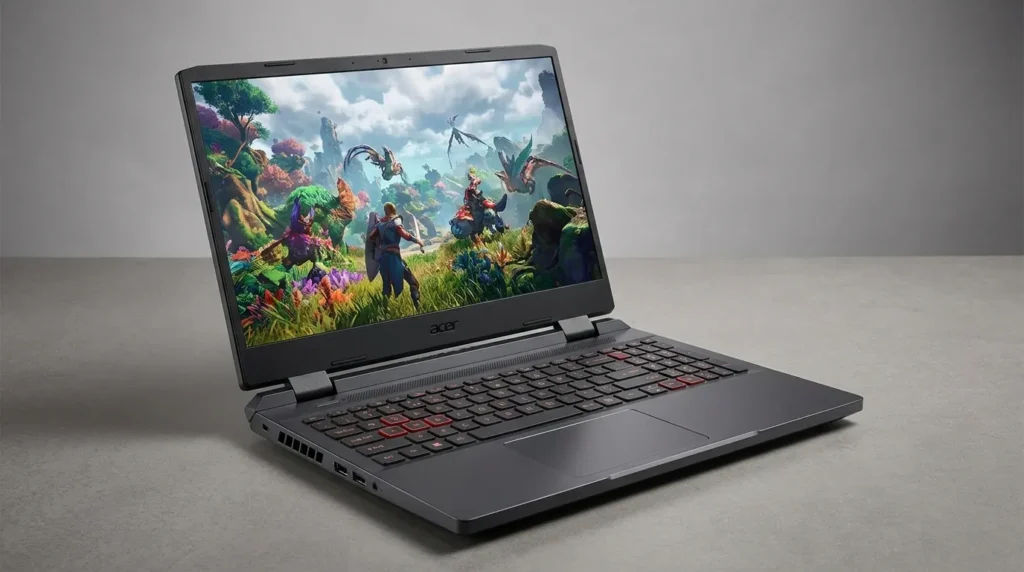
Best lower-cost option
The Acer Nitro V 15 is a sensible choice for buyers looking for a cheap gaming laptop without dropping to extremely weak hardware.
RTX 4050 configurations have been sold in this price range, although specifications differ between versions.
Why buy it: usually easier to fit into a tighter budget.
Watch out for: display and memory specifications vary.
8. HP Victus 15
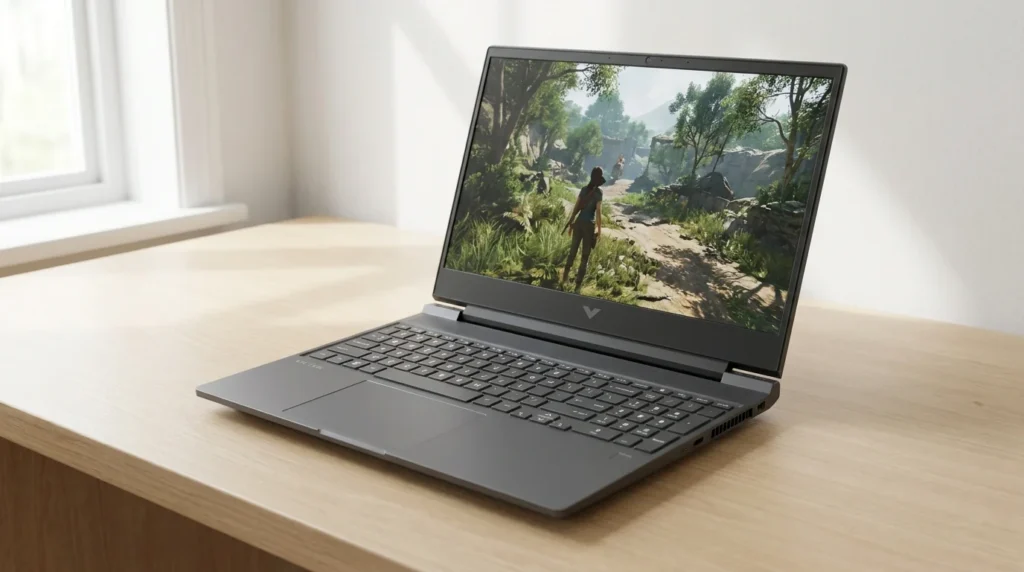
Best for gaming and everyday work
The HP Victus 15 makes sense for someone who wants a best laptop for gaming that also handles schoolwork, office applications, streaming, and general use.
Choose a configuration with dedicated RTX graphics and preferably 16GB RAM.
Why buy it: versatile design for mixed workloads.
Watch out for: don’t sacrifice the GPU just to get a larger screen or more storage.
9. HP Victus 16
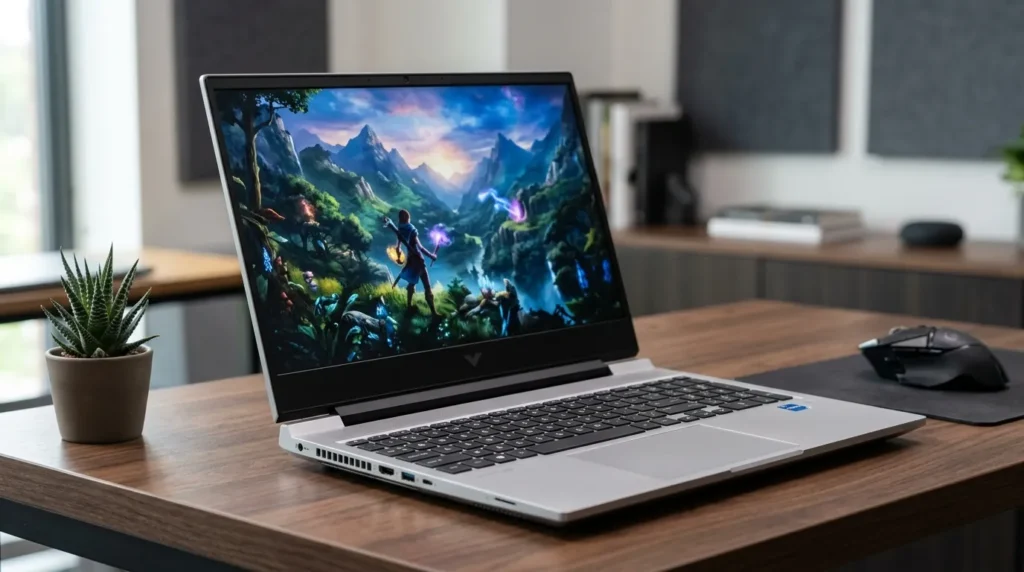
Best larger-screen choice
The Victus 16 is worth considering when you prefer a larger screen but still want to stay close to the $1,000 ceiling.
A dedicated GPU and high-refresh panel should remain the priority.
Why buy it: more screen space for games and everyday use.
Watch out for: larger-screen versions can push the price beyond budget.
10. MSI Thin 15
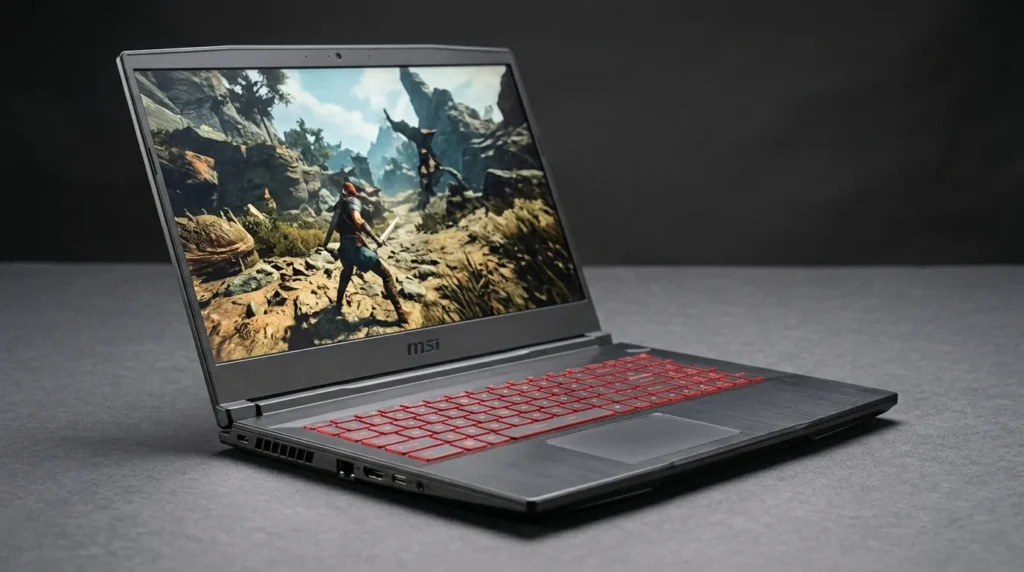
Best portable budget option
The MSI Thin 15 is aimed at buyers who want a more portable gaming laptop on a budget.
Look for an RTX 4050-class configuration and 16GB RAM where possible.
Why buy it: thinner and easier to carry than many traditional gaming machines.
Watch out for: thinner designs can involve compromises in cooling and sustained performance.
11. Dell G15
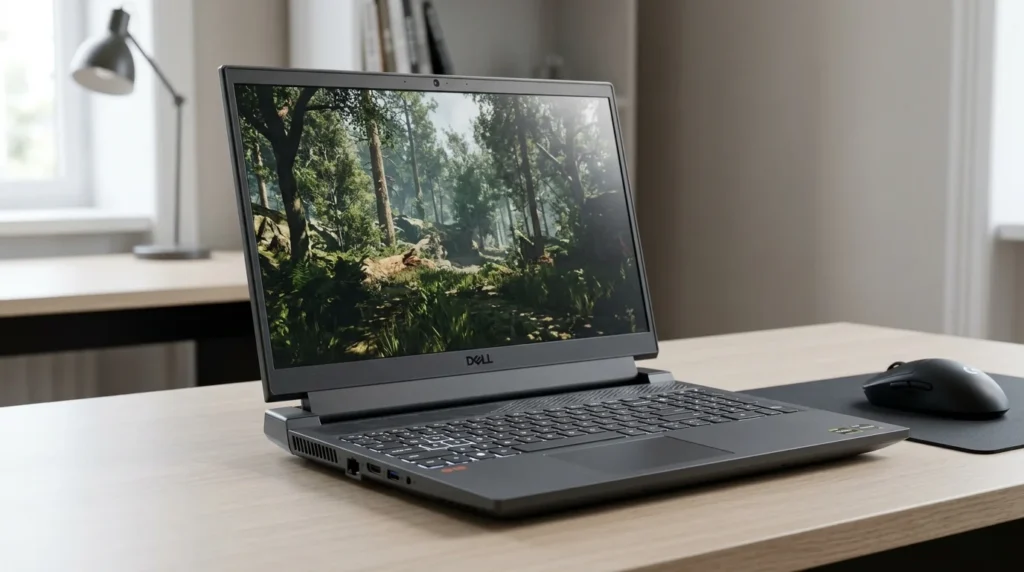
Best straightforward option
The Dell G15 is a practical choice for people who care more about dependable gaming hardware than flashy styling.
It belongs on your shortlist when a configuration with a dedicated RTX GPU falls below $1,000.
Why buy it: straightforward gaming-focused hardware.
Watch out for: check dimensions and weight before choosing it for frequent travel.
12. GIGABYTE Gaming A16
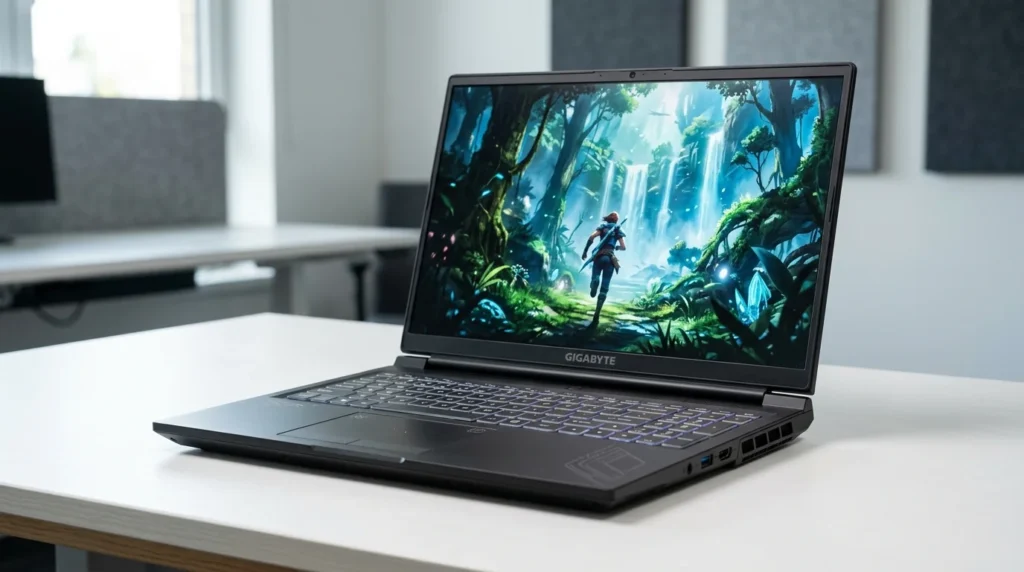
Best display-focused alternative
The GIGABYTE Gaming A16 is worth a look for shoppers who want a larger, high-refresh screen.
A suitable configuration should ideally include an RTX 4050-class GPU, 16GB RAM, and at least a 512GB SSD.
Why buy it: attractive combination of screen size and gaming hardware.
Watch out for: verify the exact panel and GPU before purchasing.
Which Is the Best Gaming Laptop Under 1000?
For most buyers, I would start with the Acer Nitro V 16 AI when a suitable configuration is below $1,000.
The Lenovo LOQ 15 is the better fit when balanced performance and upgradeability matter more. The MSI Katana 15 HX is attractive when raw hardware matters most, while the MSI Cyborg 15 can become the standout deal when an RTX 5060 configuration is discounted below the budget.
There is no permanently fixed winner because prices and configurations change.
What Should You Look for in the Best Affordable Gaming Laptop?
When comparing best affordable gaming laptops, prioritize the components that have the biggest effect on real gameplay.
GPU
The graphics processor should be your first priority.
For a best budget gaming laptop, aim for an RTX 4050 or better. An RTX 5050 or RTX 5060 can be a better buy when the price fits the budget.
Do not assume two laptops with the same GPU will perform identically. Power limits, cooling, and the laptop’s overall design can affect results.
CPU
A modern Core i5/i7 or Ryzen 5/Ryzen 7-class processor is a sensible target.
Do not overspend on a high-end CPU if doing so forces you into a significantly weaker graphics card.
RAM
For gaming laptops under 1000, 16GB is the sweet spot.
It gives modern games enough memory while leaving room for browsers, chat applications, game launchers, and other background software.
Storage
A 512GB SSD is a practical minimum.
A 1TB SSD is preferable if your budget allows it because modern games can consume a large amount of space.
Display
A 144Hz or faster display is a strong target.
A faster refresh rate is particularly useful for competitive games, while resolution and panel quality matter for image clarity and overall experience.
Best Cheap Gaming Laptops: What Should You Avoid?
The lowest price is not always the best deal.
When comparing best cheap gaming laptops, be cautious about machines with:
- 8GB RAM with no easy upgrade path
- 256GB storage
- weak dedicated graphics
- 60Hz displays when similar-priced alternatives offer 144Hz or more
- poor cooling
- an expensive CPU paired with an entry-level GPU
A $100 saving is not very useful if you immediately need to upgrade memory and storage.
Is an Expensive GPU Better Than More RAM?
For gaming, the GPU usually deserves more attention.
For example, choosing 16GB RAM with a stronger GPU is often a better starting point than choosing 32GB RAM with a much weaker graphics processor.
You can often upgrade RAM or storage later. Replacing the laptop’s GPU is not an option.
Best Budget Gaming Laptops for 1080p
The $1,000 price range is particularly well suited to 1080p gaming.
A capable RTX 4050-class system can be a strong choice, while RTX 5050 and discounted RTX 5060 laptops can provide additional headroom.
The goal should be smooth gameplay rather than chasing maximum settings in every demanding game.
Gaming Laptop Price: What Does $1000 Get You?
Your gaming laptop price does not tell the whole story.
At around $1,000, the most important question is what hardware that money buys. A $950 laptop with an RTX 5060 may offer better gaming value than a $999 machine with a weaker GPU and more expensive non-gaming features.
That is why the gaming laptop cost should always be judged against the complete specification.
Best Laptop Under $1000 vs. Best Gaming Laptop Under $1000
A general best laptop under $1000 can prioritize battery life, portability, productivity, or screen quality.
If you’re also looking for a laptop primarily for writing, productivity, and everyday work, see our guide to the best laptops for writers for more practical recommendations.
A gaming machine has a different priority: dedicated graphics performance.
So when comparing the best laptops under $1000 with gaming models, do not assume the general-purpose winner is also the right gaming choice.
For gaming, dedicated graphics should be near the top of your checklist.
Quick Buying Checklist
Before buying an affordable gaming laptop, check these six things:
GPU: RTX 4050 or better when possible.
CPU: Recent Core i5/i7 or Ryzen 5/Ryzen 7-class processor.
RAM: 16GB preferred.
Storage: 512GB SSD minimum.
Display: 144Hz or faster preferred.
Price: confirm that the exact configuration—not just the model family—is under $1,000.
Final Verdict
The Best Gaming Laptop Under $1000 is the one that gives you the strongest gaming hardware without making unnecessary compromises.
For the best overall value, start with the Acer Nitro V 16 AI. The Lenovo LOQ 15 is a strong balanced alternative, the MSI Katana 15 HX is appealing for performance-focused buyers, and an MSI Cyborg 15 with RTX 5060 can be an exceptional deal when discounted below $1,000.
The most important lesson is simple: compare the exact configuration before you buy. Focus on the GPU first, then 16GB RAM, 512GB or larger SSD storage, a high-refresh display, and adequate cooling.
That is how to find a genuinely good budget laptop for gaming rather than simply the cheapest machine on the shelf.
Frequently Asked Questions
What is the best gaming laptop under $1000?
The Acer Nitro V 16 AI is one of the strongest choices to consider when the configuration you want is below $1,000. The Lenovo LOQ 15 and MSI Katana 15 HX are also strong alternatives.
What are the best gaming laptops under $1000?
Good options include the Acer Nitro V 16 AI, Lenovo LOQ 15, MSI Katana 15 HX, MSI Cyborg 15, ASUS TUF Gaming A16, ASUS TUF Gaming A15, Acer Nitro V 15, HP Victus 15, HP Victus 16, MSI Thin 15, Dell G15, and GIGABYTE Gaming A16.
What is the best gaming laptop under 1000 for 1080p gaming?
Look for an RTX 4050-class GPU or better, 16GB RAM, an SSD, and a 144Hz-or-faster display.
Are gaming laptops under $1000 good?
Yes. A well-chosen machine in this price range can provide strong 1080p gaming. The exact configuration matters more than the model name.
What is the best cheap laptop for gaming?
The best cheap laptop for gaming is the one with the strongest balanced configuration—not necessarily the lowest price. Prioritize the GPU, RAM, storage, display, and cooling.
How much is a gaming laptop?
The gaming laptop price varies widely, but a $1,000 budget can buy a capable dedicated-GPU gaming system, especially during major promotions.
Can you get an RTX 5060 gaming laptop for under $1000?
Yes, at least during some promotions. Tom’s Hardware reported an MSI Cyborg 15 RTX 5060 deal at $949 in August 2026. Availability and pricing can change quickly.
Is $1000 enough for a gaming laptop?
Yes. It is enough for a capable 1080p gaming system, provided you prioritize the GPU and avoid spending too much of the budget on secondary features.