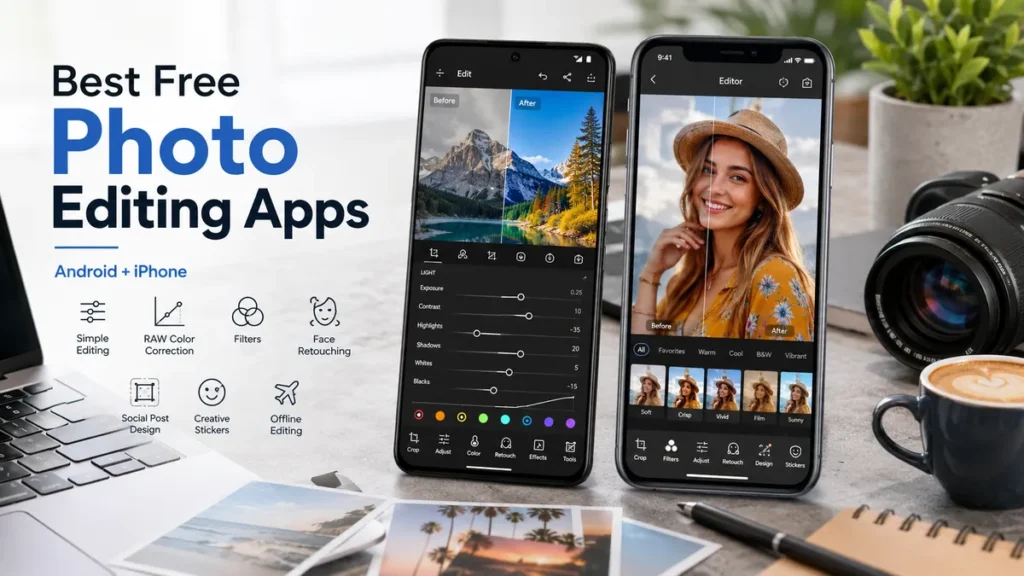
A good photo can still look a little dull before editing. Maybe the face is too dark, the sky is too bright, the colors feel flat, or there is something distracting in the background. The good news is that you do not need expensive desktop software to fix everyday photos anymore.
The Best Free Photo Editing Apps for Android and iPhone can help you crop, brighten, retouch, remove small distractions, add clean filters, and prepare photos for social media without paying upfront. Some are fully free, while others are free to download with optional paid tools. The smart move is choosing an app that matches how you actually edit.
If you want one quick answer, Snapseed is the best free photo editing app for most people because it works on Android and iPhone, has strong manual tools, and does not make beginners feel lost. Lightroom is better for serious color control. Google Photos and Apple Photos are great for simple fixes. Canva and Picsart are better when your image needs text, templates, stickers, or a designed layout.
This guide breaks everything down in a practical way, so you can choose the right free photo editing app instead of installing five apps and deleting them later.
Best Free Photo Editing Apps by Need
| Need | Best App | Works On | Best Reason to Use It |
|---|---|---|---|
| Best overall free editor | Snapseed | Android, iPhone | Powerful tools, simple layout, no heavy learning curve |
| Best for pro-style color | Lightroom | Android, iPhone | Excellent light, color, presets, and RAW-friendly workflow |
| Best built-in Android option | Google Photos | Android, iPhone | Fast edits, cloud library, useful AI-style tools |
| Best built-in iPhone option | Apple Photos | iPhone | Already installed, clean, fast, good for basic corrections |
| Best for social designs | Canva | Android, iPhone, web, Mac | Templates, text, collages, thumbnails, and simple design tools |
| Best for creative edits | Picsart | Android, iPhone | Stickers, effects, background tools, collages, and bold styles |
| Best for selfies | Photoshop Express | Android, iPhone | Quick face edits, collage tools, filters, and one-tap fixes |
| Best for aesthetic filters | VSCO | Android, iPhone | Clean presets and a consistent visual style |
These are not just random photo editing apps free users can try. They cover different needs: natural edits, social content, portraits, offline work, Android editing, iPhone editing, and fast fixes.
How to Choose the Best Free Photo Editing App
Before you download anything, think about the result you want. A person editing travel photos does not need the same tools as someone making product images, profile pictures, memes, or story posts.
A good free photo editing app should give you:
- Crop, rotate, exposure, contrast, highlights, shadows, warmth, and saturation
- Filters that look clean instead of fake
- Easy export without a forced watermark on normal edits
- Retouching tools for small spots, dust, or background distractions
- A layout that does not feel confusing after the first few minutes
- Useful free tools, not just a free install button with every real feature locked
The best photo editing apps free users should try first are usually the ones that solve one clear problem well. For example, Snapseed is great for overall editing, Lightroom is excellent for color, Canva is ideal for designed posts, and Photoshop Express is useful for quick portrait edits.
1. Snapseed — Best Overall Free Photo Editing App for Android and iPhone
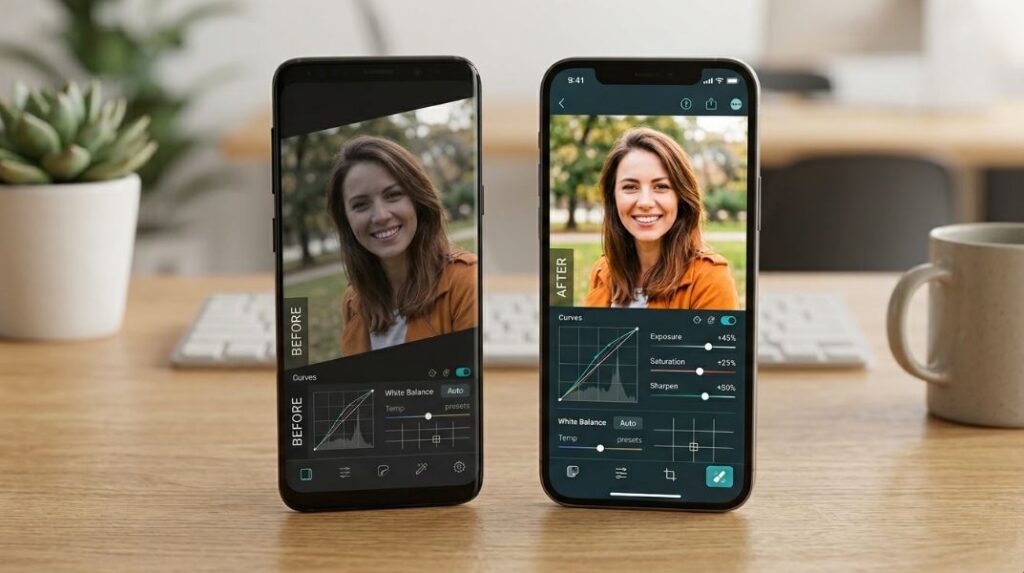
Snapseed is one of the easiest recommendations because it feels useful from the first edit. It gives beginners simple tools like Tune Image, Crop, Details, and Filters, but it also includes deeper controls such as Curves, Selective, Brush, Healing, Perspective, White Balance, Lens Blur, and RAW Develop.
That balance makes it one of the best free photo editing apps for Android and iPhone. You can use it for selfies, food photos, product photos, travel shots, pet photos, landscapes, and everyday pictures without feeling boxed into one style.
Why Snapseed Is Worth Using
Snapseed is strong because it lets you make natural improvements. You can brighten a face, lower harsh highlights, fix a tilted building, remove a small mark, sharpen details, and add a filter at lower strength so the photo still looks real.
It is also one of the best free photo editing apps for android and iphone offline. After the app is installed, most core editing work can be done without needing a constant connection, which is helpful when you are traveling or editing photos with limited data.
Best For
Snapseed is best for anyone who wants one dependable free photo edit app for clean, balanced, high-quality edits.
Free Limits
Snapseed is more generous than many competitors. It does not feel like a trial app, and it gives enough control for most people who want a photo editing app free of complicated upgrades.
2. Adobe Lightroom — Best for Color, RAW, and Professional-Looking Edits
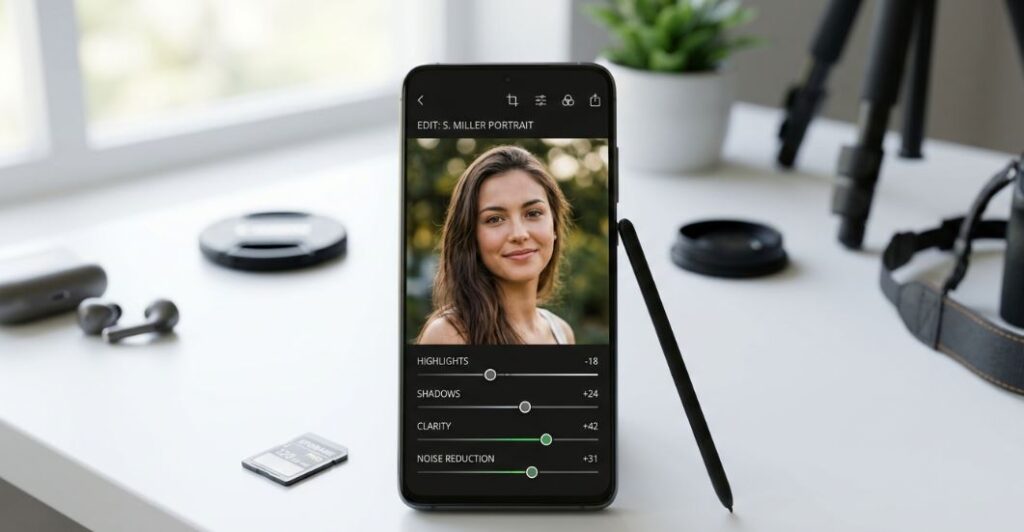
Lightroom is the better choice when you care about color, tone, sharpness, and consistency. It is one of the best photo editing apps for free users who want their photos to look more polished without jumping straight into desktop software.
You can adjust exposure, contrast, highlights, shadows, whites, blacks, color mix, texture, clarity, sharpening, noise, and presets. For creators who want the same style across many photos, Lightroom feels more precise than most free apps for photo editing.
Why Lightroom Is Worth Using
Lightroom helps when a photo is technically good but needs careful finishing. A sunset may need warmer tones. A portrait may need softer highlights. A product photo may need cleaner whites. Lightroom gives you the control to make those changes without making the image look over-edited.
It is also a good choice if you later want to grow into more advanced editing. The app starts simple, but the deeper tools are there when you are ready.
Best For
Lightroom is best for mobile photographers, creators, travelers, and anyone who wants a consistent visual style.
Free Limits
Lightroom is free to download and includes many useful tools, but some advanced features require a paid plan. Still, the free version is strong enough for many users who want the best free photo editing app experience with a professional feel.
3. Google Photos — Best Built-In Style Editor for Android Users
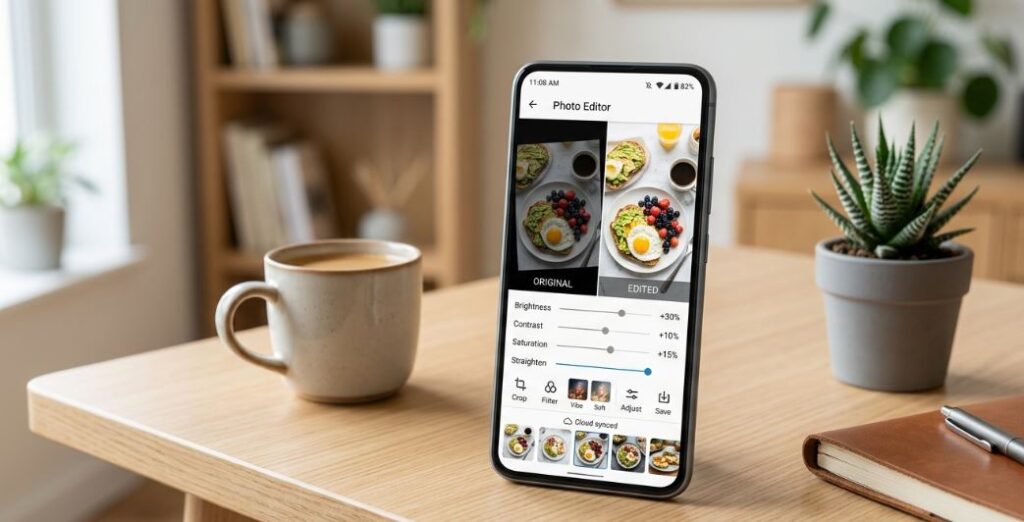
Google Photos is easy to overlook because many people think of it only as a gallery app. But it can handle quick edits very well, especially for Android users who already keep their pictures there.
You can crop, straighten, adjust brightness, improve color, use filters, and apply smart suggestions. It is not always the deepest editor, but it is quick, familiar, and good for everyday fixes.
Why Google Photos Is Worth Using
Google Photos is useful when you want to improve a photo fast without opening a separate editor. It works well for small adjustments like brightening a dark room photo, improving a food picture, straightening a landscape, or adding a clean filter.
For people who want good photo editing apps for android free, Google Photos is a safe first option because it is simple and already part of many Android phones.
Best For
Google Photos is best for quick Android edits, cloud-friendly photo libraries, and people who want simple tools without a busy interface.
Free Limits
Some advanced AI-style features may depend on device, region, account, or paid options. For basic edits, it remains one of the easiest good free photo editing apps for android users to start with.
4. Apple Photos — Best Free App for Editing Photos on iPhone Without Installing Anything
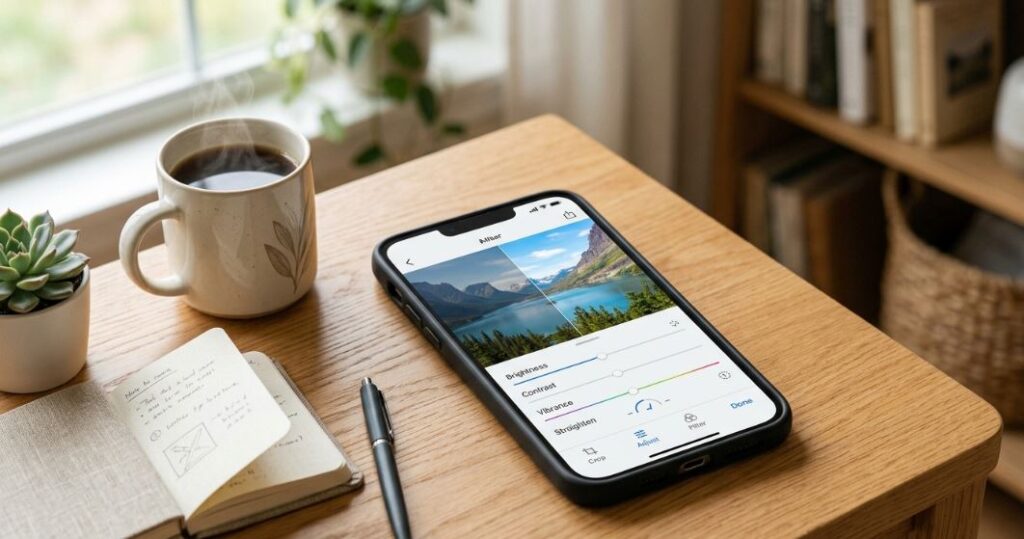
Apple Photos is the easiest answer for anyone who wants a free app for editing photos on iphone without downloading another app. It is already on the phone, opens quickly, and handles the most common edits well.
You can adjust light, color, crop, rotate, straighten, apply filters, mark up images, and improve photos with simple controls. For many casual users, this is enough.
Why Apple Photos Is Worth Using
Apple Photos is best when the photo only needs a small fix. For example, you can brighten a selfie, crop a screenshot, straighten a tilted horizon, or reduce a harsh filter effect. It also keeps edits inside your normal photo library, so you do not need to import and export files manually.
This makes Apple Photos one of the best free photo editing apps for iphone users who value speed over extra features.
Best For
Apple Photos is best for quick iPhone fixes, basic edits, and people who do not want a second app.
Free Limits
It is not built for stickers, deep retouching, layered designs, or advanced manual color work. If you want more control, use Snapseed or Lightroom after the first quick fix.
5. Canva — Best Free App to Edit Photos for Social Posts and Designs
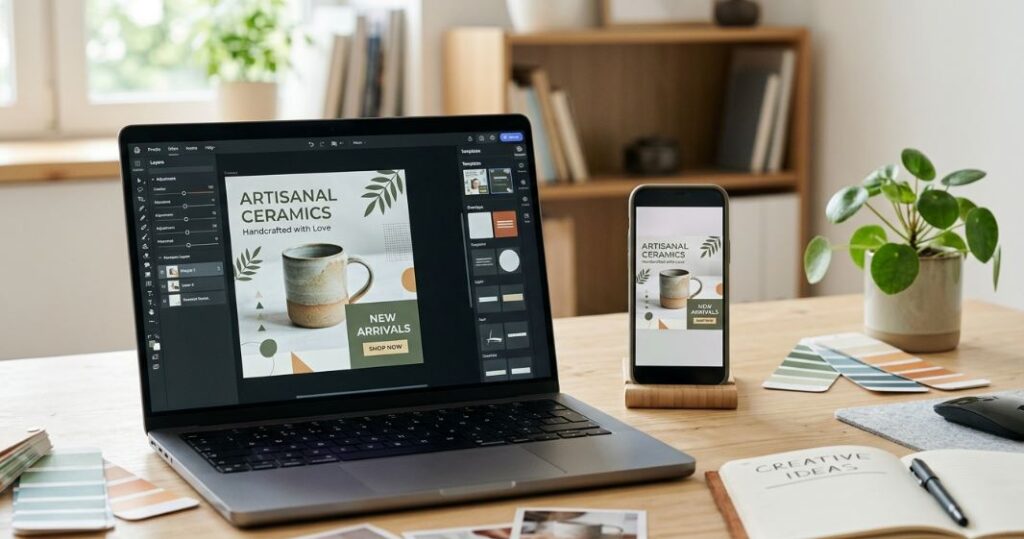
Canva is not only a photo editor. It is a design tool that happens to include photo editing. That makes it perfect when your picture needs text, a frame, a background, a template, a thumbnail layout, or a branded look.
If you make posts, pins, profile graphics, posters, invitations, banners, or small business visuals, Canva can save a lot of time. It is also useful beyond phones, which is why people asking about free photo editing apps for mac often include Canva as a simple cross-device option.
Why Canva Is Worth Using
Canva is great when the final image needs a purpose. A plain product photo can become a sale post. A selfie can become a profile banner. A travel photo can become a story layout. You can add text, icons, shapes, filters, frames, and templates without learning complicated design software.
Best For
Canva is best for social posts, thumbnails, banners, brand graphics, and simple layouts.
Free Limits
Some templates, stock assets, background tools, and premium effects require payment. But the free version still offers enough value for everyday design-based photo edits.
6. Picsart — Best for Creative Edits, Stickers, Backgrounds, and Fun Effects
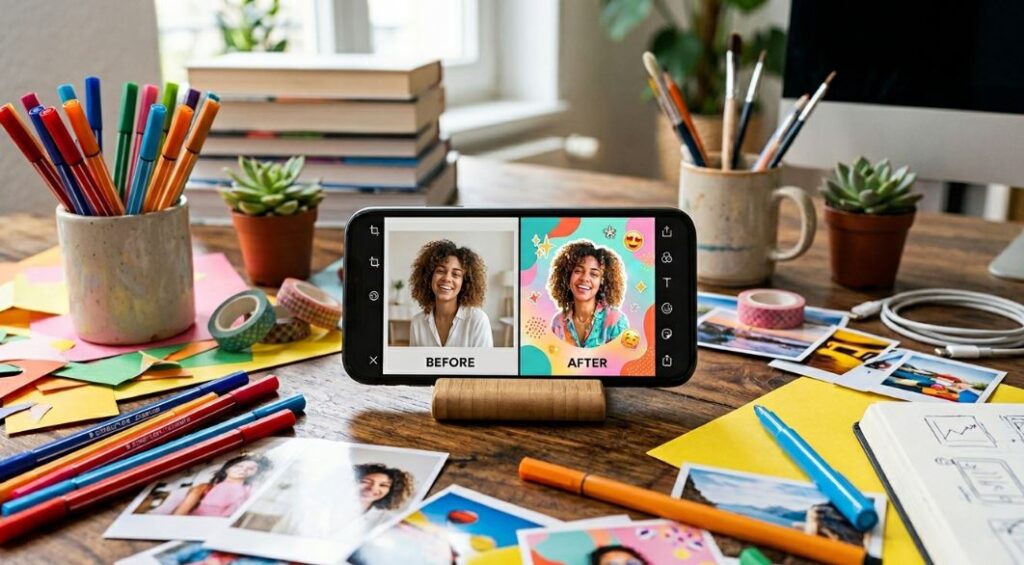
Picsart is for people who want bold edits rather than quiet corrections. It includes filters, stickers, collage tools, background changes, retouching, effects, text, templates, and AI-style creative features.
If Snapseed is a clean editing toolbox, Picsart is more like a creative playground. It is one of the great free photo editing apps for people who enjoy making eye-catching posts.
Why Picsart Is Worth Using
Picsart is useful when you want your image to stand out quickly. You can make a collage, add stickers, change the background, create a cutout, add text, or use effects for a more dramatic look.
It is also helpful for creators who want a free editing app photo workflow that feels fun instead of technical.
Best For
Picsart is best for creative portraits, social content, collages, stickers, bold effects, and background changes.
Free Limits
The app can feel busy, and some tools may require payment. Use it when you want creative options, not when you want the cleanest simple editor.
7. Photoshop Express — Best Face Photo Editing App Free Users Should Try
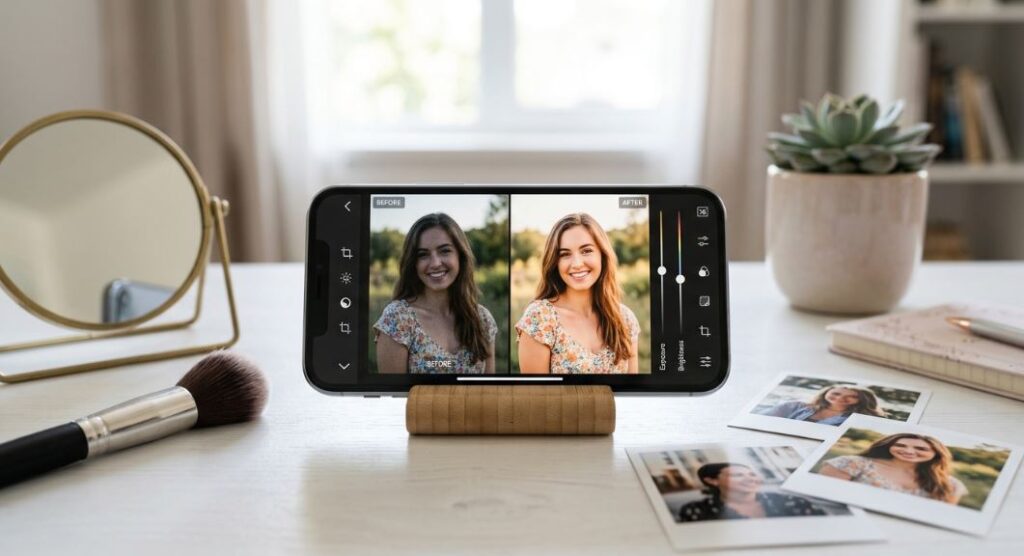
Photoshop Express is a strong choice for quick portrait improvements. It is easier than full Photoshop and made for fast mobile edits. You can apply filters, make collages, improve selfies, adjust color, add effects, and use simple retouching tools.
For anyone asking about Best face photo editing apps free, Photoshop Express is one of the better first downloads because it combines face-friendly edits with general photo tools.
Why Photoshop Express Is Worth Using
It works well when you want a photo ready for sharing quickly. A selfie can be brightened, softened, cropped, filtered, and turned into a collage without needing advanced knowledge.
It is also a good middle option for people who want a known editing brand but do not want the heavier Lightroom workflow.
Best For
Photoshop Express is best for selfies, quick fixes, collages, lifestyle photos, and social-ready images.
Free Limits
Some premium effects and advanced options may require payment. For deeper manual edits, Snapseed and Lightroom offer more control.
8. VSCO — Best for Filters, Mood, and a Consistent Style
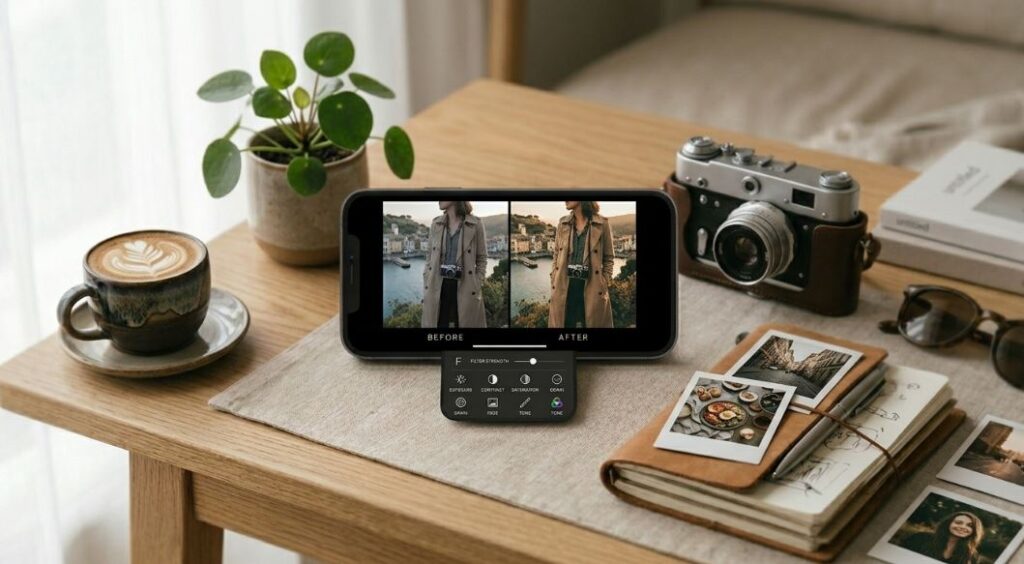
VSCO is popular with people who want soft, stylish, film-like edits. Its strength is not having the most tools. Its strength is helping photos feel consistent.
If your goal is a clean feed, a moody travel look, soft portraits, or a subtle film-inspired finish, VSCO is worth trying.
Why VSCO Is Worth Using
VSCO presets can quickly change the mood of a photo. You can start with a filter, lower its strength, then adjust exposure, contrast, saturation, grain, and fade to keep the result natural.
It is a good option for anyone who wants photo editing apps free for aesthetic edits without spending too much time on manual sliders.
Best For
VSCO is best for lifestyle photos, travel edits, portraits, coffee shop shots, fashion images, and consistent social feeds.
Free Limits
The free tier is more limited than Snapseed. If you want lots of presets and advanced tools, you may need a paid plan.
Best Free Photo Editing Apps for Android
If you use Android, start with apps that are stable, easy to export from, and useful without payment. The Best photo editing app for Android free depends on your style, but these are the safest picks:
- Snapseed for complete free editing
- Google Photos for quick built-in fixes
- Lightroom for color and professional-style edits
- Picsart for creative effects and backgrounds
- Canva for posts, posters, and templates
- Photoshop Express for selfies and fast corrections
- VSCO for filters and a consistent look
For people asking for good photo editing apps for android free or good free photo editing apps for android, Snapseed and Google Photos are the easiest starting pair. Use Google Photos for fast fixes, then open Snapseed when the photo needs more control.
Best Free Photo Editing Apps for iPhone
The Best photo editing app for iPhone free depends on whether you want quick built-in edits or more creative control. These are the best picks:
- Apple Photos for quick edits without installing anything
- Snapseed for full free editing
- Lightroom for better color and detail
- Photoshop Express for selfies and collages
- Canva for templates and designed posts
- Picsart for stickers, effects, and creative edits
- VSCO for filters and soft aesthetic looks
For users wanting free photo editing apps for iphone, the best simple setup is Apple Photos plus Snapseed. Apple Photos handles quick fixes, while Snapseed gives deeper control when you need it.
If your main question is the best free photo editing app for iphone, start with Snapseed because it gives the best mix of simple controls and deeper tools. If you want free ios photo editing apps with a more polished look, try Lightroom for color, VSCO for filters, and Photoshop Express for portraits. For people looking for the best free photo editing apps for iphone 2026, Snapseed remains the safest all-around pick, while Apple Photos is the fastest no-download option.
Best Free Photo Editing Apps for Android and iPhone Offline
The phrase Best free photo editing apps for android and iphone offline usually means one thing: you want to edit photos even when Wi-Fi or mobile data is weak.
For offline editing, choose:
- Snapseed for full edits after installation
- Apple Photos for iPhone edits without internet
- Google Photos for basic edits stored locally, though cloud features need internet
- Lightroom for offline edits on imported photos, with cloud syncing later
- Canva only for limited offline use, because many templates and cloud items need internet
For Best photo editing apps free for Android offline, Snapseed is the easiest recommendation. It gives you more manual tools than most free options and works well for travel, outdoor photos, and quick edits away from home.
Best Free Photo Editing Apps for Android and iPhone Free Download
When people say Best free photo editing apps for android and iphone free download, they usually want apps that are safe to install and useful without paying right away.
The safer approach is simple:
- Download apps from the official app store on your phone
- Check whether the app adds watermarks on free exports
- Avoid apps that ask for unnecessary permissions
- Try one app for a week before adding more
- Keep only the app that fits your editing style
A free app to edit photos should not make basic editing feel impossible. If an app locks nearly every useful tool, move on.
What People Mean by Best Free Photo Editing Apps for Android and iPhone Reddit
When people mention Best free photo editing apps for android and iphone reddit, they usually want honest user-style advice, not a polished ad. The common pattern is simple: people want free tools that do not ruin image quality, add watermarks, or push subscriptions too aggressively.
The practical answer is:
- Use Snapseed if you want the most complete free tool
- Use Google Photos or Apple Photos for fast built-in edits
- Use Lightroom if you care about color and detail
- Use Canva if the photo needs text or layout
- Use Picsart if you want creative effects
- Use Photoshop Express if you edit portraits often
- Use VSCO if filters matter more than manual tools
That gives you a clean setup without filling your phone with apps you do not use.
Best Face Photo Editing Apps Free
Face editing needs a light touch. Too much smoothing can make skin look fake, and heavy filters can remove natural detail. The Best face photo editing apps free users should try are:
Photoshop Express
Best for quick selfies, simple retouching, collage options, and one-tap improvements.
Picsart
Best for creative portraits, background swaps, effects, stickers, and fun social edits.
Snapseed
Best for natural face edits, selective brightness, minor healing, and keeping skin texture realistic.
Lightroom
Best for portrait color, soft highlights, natural shadows, and a polished final look.
For a natural portrait, start with exposure and shadows before touching skin tools. Most selfies look better with better light and softer contrast, not heavy smoothing.
Simple Editing Workflow for Better Photos
You do not need a professional setup to make better edits. Use this simple order in almost any free photo editing app.
1. Crop First
Remove empty space and distractions. A strong crop can make a normal photo feel more focused.
2. Fix Brightness
Raise exposure if the image is dark. Lower highlights if the sky, face, or white clothing looks too bright.
3. Balance Color
Adjust warmth if the photo looks too yellow or too blue. Keep skin tones natural.
4. Add Contrast Carefully
A little contrast adds depth. Too much contrast can crush shadows and make faces look harsh.
5. Sharpen Lightly
Small sharpening can help details. Too much sharpening makes hair, skin, and edges look rough.
6. Use Filters at Lower Strength
Filters are useful, but full strength often looks heavy. Lower the filter amount until the photo still feels natural.
7. Remove Only Small Distractions
Healing tools are best for tiny marks, dust, spots, and simple background distractions. Keep edits believable.
Which App Should You Download First?
If you want one app only, choose Snapseed. It is the best free photo editing app for most people because it gives you power without making editing feel difficult.
If you want two apps on Android, use Google Photos + Snapseed. Google Photos is fast, and Snapseed gives more control.
If you want two apps on iPhone, use Apple Photos + Snapseed. Apple Photos is instant, and Snapseed handles deeper edits.
If you create social posts, add Canva. If you enjoy creative edits, add Picsart. If you want better color, add Lightroom. If you edit selfies often, add Photoshop Express. If you love filters, add VSCO.
That is the simplest way to build a smart editing setup without wasting storage.
FAQs
What are the Best Free Photo Editing Apps for Android and iPhone?
The best options are Snapseed, Lightroom, Google Photos, Apple Photos, Canva, Picsart, Photoshop Express, and VSCO. Snapseed is the best overall free choice for most people, while Lightroom is better for color and Canva is better for designed posts.
What is the best free photo editing app for beginners?
Snapseed is the best free photo editing app for beginners because it is simple at first but powerful enough as your skills improve. Start with Tune Image, Crop, Details, Selective, and Healing.
Are there good apps to edit photos free without watermarks?
Yes. Snapseed, Apple Photos, and Google Photos are good apps to edit photos free without forcing watermarks on normal edits. Other apps may offer free exports too, but always check before spending time on a design.
What are the best photo editing apps free for Android users?
The best photo editing apps free Android users should try are Snapseed, Google Photos, Lightroom, Picsart, Canva, Photoshop Express, and VSCO. Snapseed is the best all-around pick, while Google Photos is best for fast built-in edits.
What are the best free photo editing apps for iPhone?
The best free photo editing apps for iPhone are Apple Photos, Snapseed, Lightroom, Photoshop Express, Canva, Picsart, and VSCO. Apple Photos is best for quick edits, and Snapseed is best for deeper free editing.
Is there a free app to edit photos on both Android and iPhone?
Yes. Snapseed, Lightroom, Canva, Picsart, Photoshop Express, VSCO, and Google Photos work on both major mobile platforms. Snapseed is the easiest single free app to edit photos if you want strong tools without a complicated layout.
Are free photo editing apps for Mac available too?
Yes. Free photo editing apps for mac include Apple Photos for built-in edits, Canva for design-based photo edits, and web-based editors that work in a browser. If you use both phone and Mac, Canva and Apple Photos are especially convenient.
Which photo editing app free option is best for social media?
Canva is best for social media designs because it includes templates, text, frames, and layout tools. Picsart is better for creative effects, while VSCO is better for filter-based visual style.
What is the best free photo edit app for offline use?
Snapseed is the best free photo edit app for offline use after installation. Apple Photos is also excellent for offline iPhone edits, and Google Photos can handle basic local edits on Android.
Are free editing app photo tools enough for professional-looking results?
Yes, free editing app photo tools can create polished results if you use them carefully. Good lighting, smart cropping, balanced color, and light retouching matter more than using the most expensive app.
Final Thoughts
The best free photo editing apps are not always the apps with the longest feature lists. The best one is the app that helps you make better photos quickly, naturally, and without frustration.
For most users, Snapseed is the strongest overall choice. Google Photos is excellent for quick Android fixes. Apple Photos is perfect for quick iPhone edits. Lightroom is best for color. Canva is best for designed posts. Picsart is best for creative effects. Photoshop Express is best for selfies. VSCO is best for filters.
Start with one or two apps, learn the basic tools, and keep your edits natural. A clean, balanced photo will almost always look better than an image covered in heavy filters.